
Tailored plugins, themes and web applications built specifically for your business.

High-performance, conversion-focused websites that grow your business.
Powerful WordPress solutions that are secure, scalable and easy to manage.
Automate processes, connect tools and save time with smart workflows.
Why Choose @Rank
Experienced professionals dedicated to your success.
Tailored strategies and solutions that fit your needs.
We build with security, performance and scalability in mind.
We're with you every step of the way.
Helping your business grow with smart, scalable and future-ready solutions.
Work Smarter Through Automation
Workflow Automation That Connects Everything
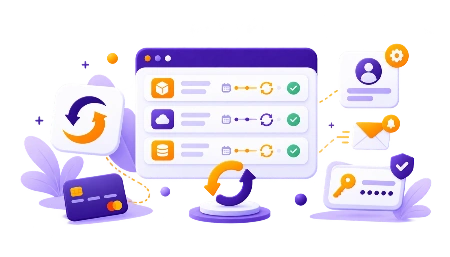
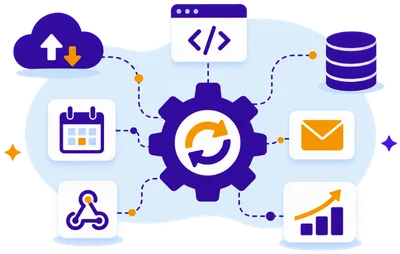
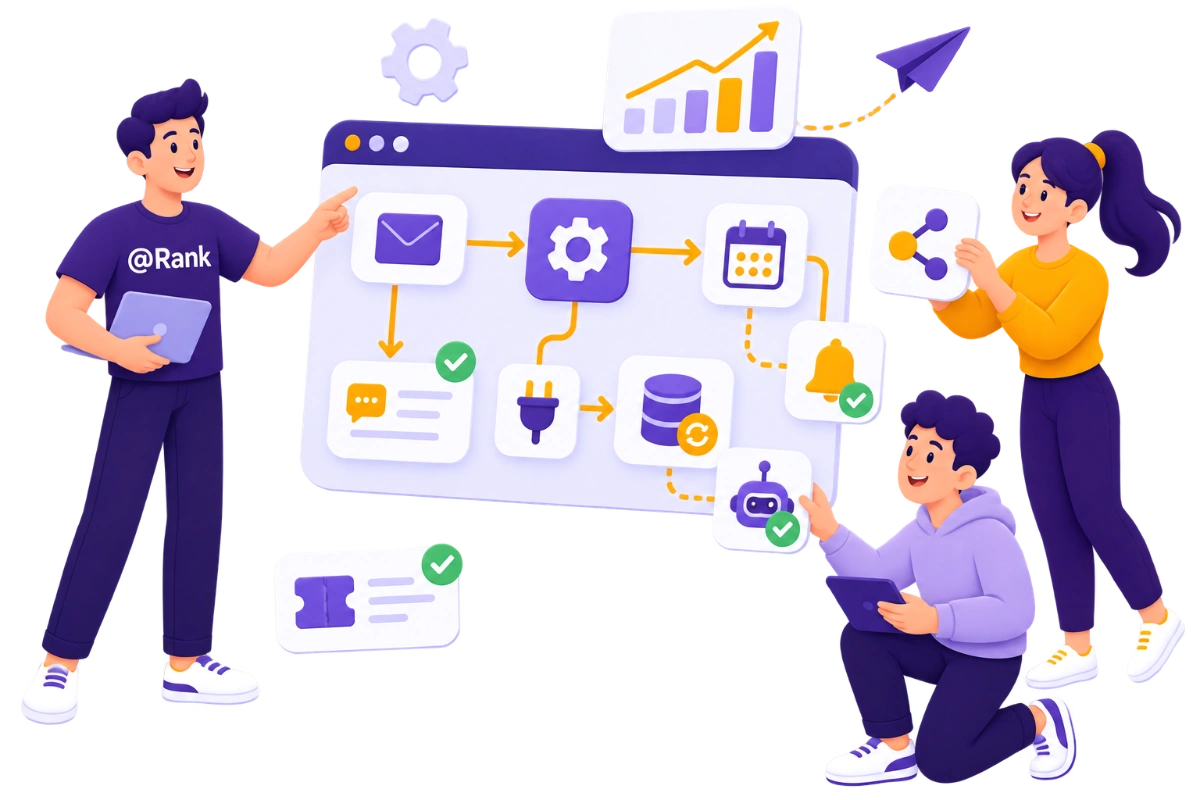
Connect your tools, automate repetitive processes, synchronize business data, and create reliable workflows that keep your operations moving efficiently.
Transform Your Daily Operations
Automation Solutions Built Around Your Business Processes
From internal processes and CRM workflows to REST API integrations and e-commerce operations, we automate the tasks slowing your business down.
Process Automation
Automate repetitive tasks across your daily operations.
CRM Automation
Connect customer data, teams, and sales workflows.
API Integrations
Connect systems through secure automated data exchanges.
E-Commerce Automation
Automate orders, customers, payments, and fulfillment processes.
Why Choose @Rank
We Turn Users Into Customers
We combine innovation, performance, and support to deliver products and services that make a real difference.
- High Performance
- Secure & Reliable
- Regular Updates
- Dedicted Support

Simplify Repetitive Daily Work
Business Process Automation That Saves Valuable Time
Transform repetitive administrative tasks into structured workflows that move information, trigger actions, assign responsibilities, and keep every process progressing without unnecessary delays.
- Reduce repetitive manual administrative work
- Standardize recurring business processes
- Minimize errors during data transfers
- Accelerate approvals and internal handovers
Connect Every Customer Interaction
CRM Automation for Faster Customer and Sales Workflows
Connect forms, customer records, sales pipelines, tasks, emails, and notifications so your teams receive accurate information exactly when they need it.
- Automatically create and update leads
- Keep customer information synchronized
- Trigger personalized customer communications
- Connect sales and service teams

FormFlow completely changed how we approach Elementor Forms for client projects. Instead of combining several plugins or writing custom code, we can add conditional logic, advanced fields, integrations, and better user experiences within our existing workflow. It saves our development team valuable time while giving us much more flexibility when building complex forms for different client requirements.
What impressed me most about FormFlow is how naturally it extends Elementor Forms. I don’t need to replace forms I have already built or learn another complicated form builder. I can simply add the functionality I need when the project requires it. Conditional logic, custom fields, styling options, and workflow features make it especially useful for professional WordPress development.
As a freelancer, I need tools that help me deliver more without adding unnecessary complexity to every project. FormFlow gives me advanced functionality while keeping everything inside the Elementor environment I already use. I can build smarter forms, improve the user experience, and handle more demanding client requests without depending on multiple separate plugins or developing every feature myself.
We wanted our website forms to do more than simply send emails after every submission. With FormFlow, we were able to create structured workflows, connect important tools, and automate several steps that previously required manual work. The result is a much more efficient process for our team and a smoother experience for customers interacting with our business online.
Managing software subscriptions and customer licenses becomes complicated very quickly when everything is handled through separate systems. SubscriptionFlow gives us a much more organized workflow inside WooCommerce. Having subscriptions, licenses, customer access, and related management tools connected in one environment makes everyday administration easier and gives us a stronger foundation as our software business continues to grow.
We approached @Rank with a software idea that required more than an off-the-shelf WordPress solution. They understood both the technical requirements and the business goal behind the project. The development process was structured, communication was clear, and the resulting solution fits naturally into our workflow. It feels like software designed around our business rather than another generic product.
FormFlow helped us turn long, traditional forms into much more intuitive customer journeys. Features like conditional steps, automatic navigation, data summaries, and advanced field options let us simplify what visitors actually see. Instead of overwhelming users with every question at once, we can create forms that respond to their choices and guide them naturally through the entire process.
Form Submissions Processed
Global customer Satisfaction Rate
Custom softwares and solutions dellverd
Business Automations Enabled

Make Your Systems Communicate
REST API Integrations That Connect Business-Critical Systems
Connect websites, applications, CRM platforms, databases, payment providers, and external services through secure APIs that exchange information and trigger automated actions.
- Connect previously isolated business systems
- Synchronize information between multiple platforms
- Trigger actions through real-time events
- Reduce duplicate data entry
Automate Your Online Operations
E-Commerce Automation From Purchase Through Fulfillment
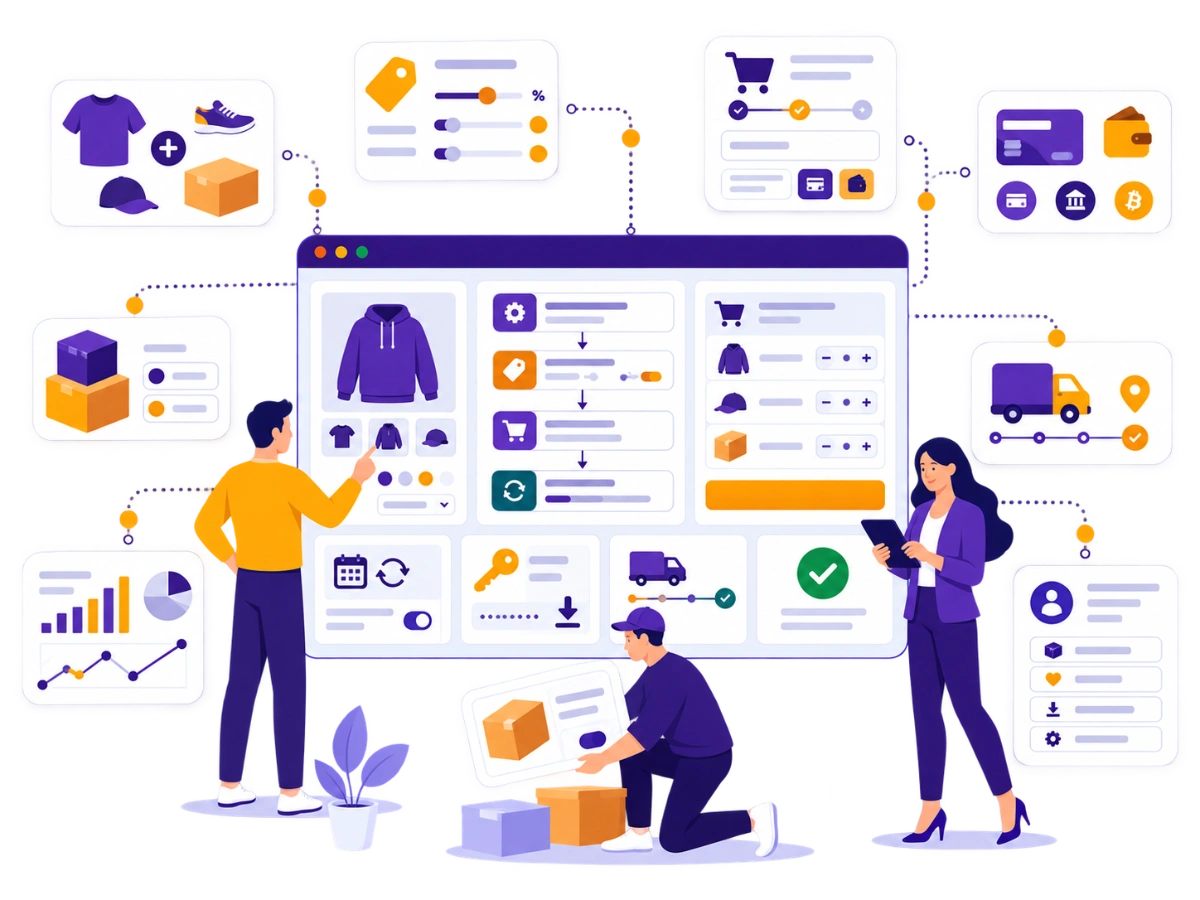
Connect store orders, customer accounts, payments, subscriptions, inventory, invoices, fulfillment, support, and reporting to create faster and more reliable commerce operations.
- Automate order and customer workflows
- Synchronize products and inventory
- Connect payments, invoices, and fulfillment
- Trigger notifications from store events
FAQ
Frequently Asked Questions

What is workflow automation?
Workflow automation uses software to complete or coordinate repeatable tasks according to defined triggers, conditions, and actions. It can move data, create records, notify team members, update systems, generate documents, and guide processes without requiring the same manual work every time.
Which processes can be automated?
Processes involving forms, leads, CRM records, emails, calendars, project-management tools, orders, invoices, subscriptions, support requests, approvals, documents, reporting, and data synchronization can often be automated. Suitability depends on the process, available integrations, data quality, and business rules.
Can you connect our existing business tools?
Yes. Existing tools can be connected through native integrations, REST APIs, webhooks, automation platforms, database connections, or custom middleware. We first review each system’s integration capabilities, authentication requirements, data structure, rate limits, and technical restrictions.
What is CRM automation?
CRM automation connects lead generation, customer records, sales activities, tasks, emails, notifications, and reporting. For example, a website enquiry can automatically create a contact, assign a responsible employee, generate a task, and trigger a personalized response.
What is a REST API integration?
A REST API integration allows different systems to exchange data and request actions through HTTP. It can connect websites, CRMs, applications, payment services, databases, and automation platforms when both systems provide suitable endpoints and authentication methods.
Can WooCommerce processes be automated?
Yes. WooCommerce automation can respond to changes involving orders, products, customers, subscriptions, payments, inventory, coupons, refunds, and fulfillment. The WooCommerce REST API and webhooks can help external systems exchange store data and react to commerce events.
Which automation platforms can you use?
The appropriate platform depends on your systems and requirements. Solutions may use Zapier, n8n, Make, CRM-native automation, WordPress or WooCommerce hooks, direct REST API integrations, webhooks, scheduled processes, or fully custom automation services.
Is workflow automation secure?
Workflow automation can be implemented securely when authentication, permissions, encryption, credential storage, logging, error handling, and data minimization are planned properly. Access should be limited to the information and actions required by each workflow.
What happens when an automation fails?
Reliable workflows should include validation, error logging, notifications, retry behavior, duplicate prevention, and recovery procedures. The required safeguards depend on how critical the process is and what business impact an incomplete or repeated action could cause.
How does an automation project begin?
The project begins by mapping the current process, including triggers, actions, systems, data, responsibilities, exceptions, and manual bottlenecks. We then define the target workflow, integration method, security requirements, validation rules, monitoring, testing, and deployment plan.